
How-to
How to Create a Winning LinkedIn Profile for UK Job Seekers
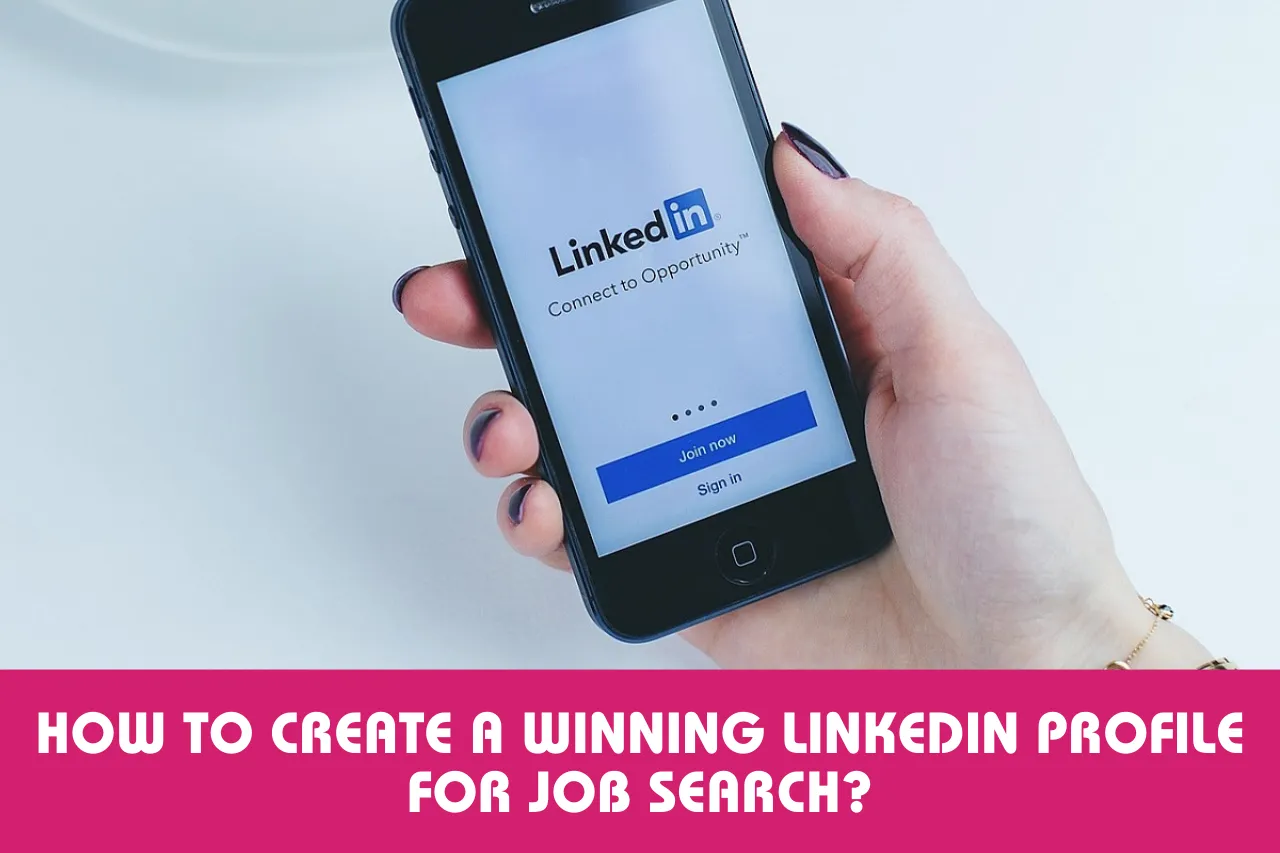
A strong LinkedIn profile can make it easier for UK recruiters and employers to understand your experience, skills and career goals. LinkedIn itself recommends keeping your profile information current and using your profile to present your professional background, skills and career interests. It should support your job search rather than simply repeat your CV.
This guide explains how to improve your LinkedIn profile step by step, including your photo, headline, About section, experience, skills, qualifications, recommendations and job-search settings.
Why LinkedIn Matters for UK Job Seekers
LinkedIn can help you present your professional background, build industry connections, follow employers and find vacancies. Recruiters may also search LinkedIn for people whose skills match an open role, and LinkedIn says profiles can be visible through its hiring products.
Your profile does not need to be filled with buzzwords. The aim is to make your experience easy to understand and give recruiters enough relevant information to decide whether to contact you.
1. Use a Professional Profile Photo
Choose a recent, clear photograph where your face is easy to see. You do not need a formal studio photograph, but avoid blurry images, group photos or pictures that look unrelated to work.
2. Write a Clear LinkedIn Headline
Your headline appears in search results and next to your name when you interact on LinkedIn. Instead of using only a job title, explain what you do, what you specialise in or what type of opportunity you are targeting.
Example: “Digital Marketing Specialist | SEO | Content Strategy | Helping Businesses Grow Online”
If you are a graduate or changing careers, describe your target area honestly rather than claiming experience you do not have.
3. Make Your About Section Useful
Think of the About section as a short professional introduction. Start with what you do or what area you want to work in, then explain your strongest skills, relevant experience and the type of work you are interested in.
Keep the language natural and specific. Mention relevant tools, industries, qualifications or achievements where they genuinely support your career story.
4. Build a Strong Work Experience Section
Add relevant employment, internships, freelance work, placements and other experience. For each role, explain what you were responsible for and what you achieved.
Whenever possible, show evidence rather than making broad claims. For example, instead of saying “good at marketing”, describe a campaign you worked on, the channels you used and the result you helped achieve.
| Weak description | Stronger description |
|---|---|
| Responsible for social media | Planned and scheduled social media content across key platforms and reviewed engagement data to improve future posts. |
| Good customer service | Handled customer enquiries, resolved routine issues and maintained accurate records. |
| Managed a team | Coordinated a small team, allocated weekly tasks and supported delivery against deadlines. |
5. Add Relevant Education and Certifications
Include degrees, diplomas, apprenticeships, professional qualifications and relevant certifications. Add the institution or awarding body and keep the information accurate.
If you have completed recent training that supports the jobs you are targeting, make it visible on your profile. This can be particularly useful when changing careers or building a new skill set.
6. Choose Your Skills Carefully
Do not add every skill you have ever used. Select skills that are relevant to your target roles and that you can support with genuine experience.
For example, someone applying for project management roles might highlight project coordination, stakeholder communication, planning, risk management and relevant software rather than filling the section with unrelated skills.
7. Request Genuine Recommendations
Recommendations can provide additional evidence about how you work. Consider asking former managers, colleagues, clients or other professional contacts who have directly worked with you.
Ask for honest recommendations based on specific projects or strengths. Avoid arranging large numbers of generic recommendations simply to make your profile look busy.
8. Add Projects, Volunteer Work and Other Relevant Sections
Additional profile sections can be especially helpful if you have limited employment history. Students and graduates can use projects, volunteering, societies, placements and relevant activities to demonstrate skills.
Only include information that supports your professional story. A smaller profile with relevant evidence is usually more useful than a long profile filled with unrelated details.
9. Use Keywords Naturally
Review several job descriptions for the type of role you want. Look for recurring skills, software, qualifications and job titles, then use relevant terms naturally in your headline, About section, experience and skills.
Do not copy entire job descriptions or add keywords that do not match your experience. Your profile should remain accurate and readable.
10. Make Your Job Preferences Clear
Use LinkedIn’s job-search and profile settings to indicate the types of roles you are interested in. Be clear about suitable job titles and locations where appropriate.
If you are looking for remote or hybrid work, make sure your preferences and profile information are consistent with the roles you want. LinkedIn also recommends updating job preferences and using Open to Work when appropriate so recruiters can understand that you are open to opportunities.
LinkedIn Profile Checklist for Job Seekers
| Profile area | What to check |
|---|---|
| Photo | Recent, clear and professional |
| Headline | Target role, expertise or career direction is clear |
| About | Concise summary of strengths, experience and goals |
| Experience | Relevant responsibilities and measurable achievements |
| Education | Qualifications and institutions are accurate |
| Skills | Relevant skills supported by your experience |
| Recommendations | Genuine professional feedback |
| Job preferences | Aligned with the roles and locations you want |
How to Use LinkedIn After Improving Your Profile
A strong profile is only the starting point. Follow employers in your target sector, connect with relevant professionals, engage thoughtfully with industry content and check suitable vacancies regularly. For the wider process, see our guide to using LinkedIn to find UK job opportunities.
You can also use LinkedIn to research employers before applying. Understanding an organisation’s work, industry and recent activity can help you decide whether a vacancy fits your goals and prepare for interviews.
LinkedIn Tips for Students, Graduates and Career Changers
You do not need a long employment history to create a useful LinkedIn profile. Focus on evidence of skills from education, projects, volunteering, part-time work, placements and freelance activity.
If you are changing careers, explain the direction you are moving towards and connect your existing transferable skills to the new field. Our guide to identifying transferable skills can help you map relevant strengths. Avoid presenting unrelated experience without explaining why it matters.
Common LinkedIn Profile Mistakes to Avoid
- Using an outdated or unclear profile photo.
- Leaving the headline as only a generic job title.
- Copying your CV without adapting it for LinkedIn.
- Adding skills or qualifications you cannot genuinely support.
- Using excessive buzzwords and repetitive keywords.
- Listing duties without explaining achievements or outcomes.
- Ignoring spelling, grammar and formatting errors.
- Being inconsistent about your experience, dates or job titles.
- Sending generic connection requests to everyone.
- Sharing sensitive personal information that does not belong on a public professional profile.
Frequently Asked Questions
Should LinkedIn match my CV?
Your LinkedIn profile and CV should contain consistent facts, but they do not need to be identical. LinkedIn gives you more room to show projects, recommendations, professional interests and networking activity.
Do students need LinkedIn?
A LinkedIn profile can be useful for students who want to build professional connections, find placements or internships and start presenting their skills before graduation.
How often should I update my LinkedIn profile?
Review it whenever your role, skills, qualifications or career goals change. A short review every few months can also help you spot outdated information.
Can LinkedIn help me find jobs without applying directly?
It can help you become visible to recruiters and build professional connections, but there is no guarantee that a complete profile will result in job offers. Continue using suitable vacancies and other job-search methods.
Final Thoughts
Your LinkedIn profile should clearly answer three questions: what you do, what skills and experience you bring, and what type of opportunity you are seeking. Keep the information accurate, relevant and up to date, then use the platform actively alongside your wider UK job search. Keep your CV consistent with the facts on your profile; our UK CV guide can help with the next step.



How to Start a Career in Sports and Leisure in the UK
A practical guide to sports and leisure careers in the UK, covering jobs, qualifications, apprenticeships, skills, experience, CVs and career...


How to Start a Career in Travel and Tourism in the UK
Travel and tourism is a broad career sector with opportunities in travel agencies, airports, airlines, visitor attractions, tours, hotels, heritage...


How to Start a Career in Property and Real Estate in the UK
Property and real estate is a broad career field covering residential property, commercial buildings, land, development, valuation, lettings, property management...


How to Start a Career in Hospitality in the UK
Thinking about hospitality as a career in the UK? Compare hotel, restaurant and guest service roles, entry routes, skills, apprenticeships...


How to Start a Career in Retail in the UK
Thinking about a retail career in the UK? Compare retail roles, entry routes, apprenticeships, skills, experience, CV tips and ways...


How to Start a Career in Science and Research in the UK
Planning a science or research career in the UK? Compare career paths, qualifications, apprenticeships, skills and practical ways to get...


How to Start a Career in Law in the UK
Thinking about a career in law? This guide explains UK legal career routes, qualifications, solicitor and barrister pathways, apprenticeships, skills,...


How to Start a Career in Education in the UK
Thinking about a career in education? Compare teaching and non-teaching roles, qualifications, apprenticeships, experience, skills and practical steps for getting...


How to Start a Career in Marketing in the UK
Marketing is a broad career field that combines communication, creativity, research, data and business thinking. It includes traditional marketing as...


How to Start a Career in Healthcare in the UK
Healthcare is one of the UK’s broadest career areas. It includes doctors and nurses, but also healthcare assistants, laboratory staff,...


How to Start a Career in Human Resources (HR) in the UK
Photo by Vitaly Gariev on Unsplash Human resources, usually called HR, is a people-focused career that combines communication, organisation, business...


How to Start a Career in Construction in the UK
Construction is one of the UK’s broadest career sectors. It includes hands-on trades such as bricklaying, carpentry and plumbing, as...


How to Start a Career in Energy and Utilities in the UK
Planning a career in energy and utilities in the UK? See job options, apprenticeships, qualifications, skills and practical steps to...


How to Start a Career in Media and Communications in the UK
Planning a media and communications career in the UK? Compare job options, entry routes, apprenticeships, skills, experience and practical steps...


How to Start a Career in Environmental and Sustainability Jobs in the UK
Environmental and sustainability careers are becoming an important part of many UK workplaces. Jobs in this area can involve protecting...


How to Start a Career in Cybersecurity in the UK
Thinking about a cybersecurity career in the UK? Here is a practical guide to skills, qualifications, entry-level roles, applications and...


How to Start a Career in Engineering in the UK
Thinking about engineering as a career in the UK? Here is a practical guide to engineering fields, qualifications, apprenticeships, skills,...


How to Start a Career in Government and Public Services in the UK
Thinking about a career in government or public services? This guide covers job options, entry routes, apprenticeships, skills, applications and...


Rolls-Royce Internship UK: Eligibility, Opportunities & How to Apply
Find Rolls-Royce internships in the UK with practical guidance on eligibility, opportunities, applications, assessments, skills and preparation.


How to Start a Career in Transport and Logistics in the UK
Planning a career in transport and logistics in the UK? See entry-level roles, apprenticeships, qualifications, skills and practical steps to...
-
 Career3 years ago
Flexible Jobs for Older Adults in the UK: 7 Career Options
-
 How-to8 months ago
How to Use Google Gemini for Freelance Work and Career Skills
-
 Jobs8 months ago
Second Jobs in the UK: 15 Practical Ways to Earn Extra Income
-

 Career2 years ago
Free Job Posting Sites in the UK: Options for Employers
-
 How-to8 months ago
How to Build Passive Income: 20 Income-Producing Assets for Long-Term Financial Growth
-
 AI & Tools8 months ago
How to Use Google Gemini for Productivity at Work
-

 Job Description3 years ago
Support Worker Job Description: Duties, Skills, Salary and Career Guide UK
-

 AI & Tools8 months ago
ChatGPT vs Microsoft Copilot: Which AI Is Best for You?