
AI & Tools
How Software Engineers Can Use AI Tools at Work
See how software engineers can use AI tools for coding, debugging, testing, documentation and research while keeping security and human judgment at the centre.
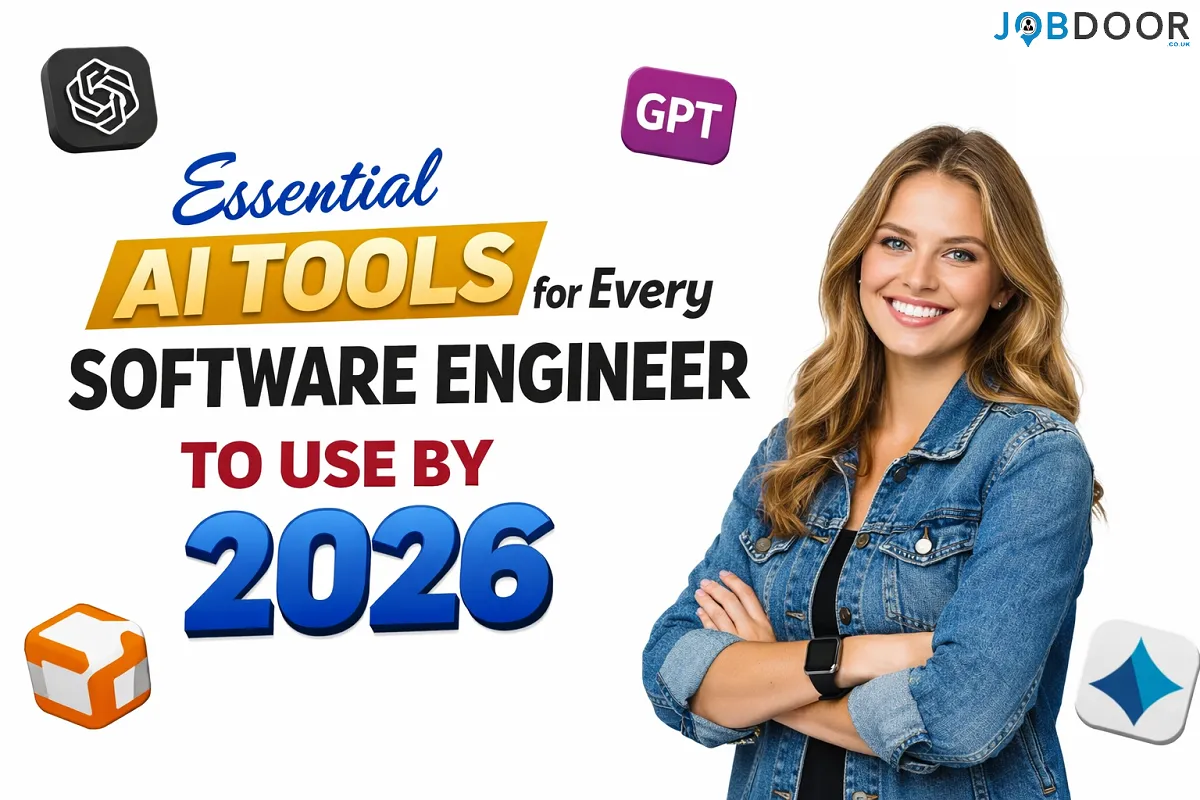
AI is changing software engineering, but the biggest shift is not simply that machines can write code. The real change is how engineers plan, build, test, document and maintain software.
AI coding assistants can reduce repetitive work, explain unfamiliar code, suggest tests, help investigate errors and speed up routine development. But strong engineering judgment is still essential. A developer who can use AI well, review its output and make sound technical decisions can turn these tools into a practical productivity advantage.
This guide explains where AI can help software engineers at work, which skills matter most, how to use AI safely and how to build an AI-assisted development workflow without becoming dependent on it.
Why AI Matters for Software Engineering
Software development includes much more than typing code. Engineers spend time understanding requirements, navigating existing repositories, debugging, writing tests, reviewing pull requests, reading documentation, investigating technical options and communicating with teammates.
AI can assist with many of these tasks.
| Engineering task | How AI can help | What the engineer still owns |
|---|---|---|
| Code generation | Draft functions and boilerplate | Architecture, logic and review |
| Debugging | Analyse errors and suggest causes | Reproduction, diagnosis and validation |
| Testing | Suggest test cases and edge cases | Test strategy and quality standards |
| Documentation | Create first drafts and summaries | Accuracy and project context |
| Code review | Spot possible issues and explain changes | Final review and approval |
| Research | Summarise technical information | Source checking and technical decisions |
The goal is not to hand software engineering over to an AI system. The goal is to remove low-value repetition so engineers can spend more time on problems that require experience and judgment.
The Most Useful AI Skills for Software Engineers
Instead of trying to memorise a fixed list of AI products, focus on the capabilities that remain useful even when products change.
1. AI-Assisted Code Generation
AI coding assistants can suggest code while you work inside an editor. They are particularly useful for boilerplate, repetitive patterns, small functions and first drafts.
The important skill is knowing how to provide context. A vague request often produces vague code. A better request explains the language, framework, goal, constraints and expected behaviour.
For example, instead of asking for “a login function”, give the assistant the relevant requirements, input format, error handling rules and testing expectations.
Popular coding assistants include GitHub Copilot and other AI-enabled development environments. The best choice depends on your editor, programming languages, team policies, privacy requirements and budget.
2. AI-Assisted Codebase Navigation
Large repositories can be difficult to understand, especially when joining a new team. AI tools can help locate related files, explain functions, summarise modules and trace how parts of an application work together.
Useful questions include:
- Where is authentication handled?
- Which files control this API endpoint?
- What happens after this database function is called?
- Which tests cover this service?
- What could be affected if this function changes?
This can reduce time spent searching through unfamiliar code. However, engineers should verify the answer against the actual repository before making changes.
3. AI-Assisted Debugging
Debugging is another area where AI can save time. You can provide an error message, relevant code, expected behaviour and recent changes, then ask for possible causes and a structured debugging plan.
A useful workflow is:
- Reproduce the problem.
- Give the AI the relevant error and code.
- Ask for several possible causes rather than one confident answer.
- Test the most likely explanation.
- Apply a fix only after understanding why it works.
- Run regression tests.
This is better than asking AI to “fix everything” because it keeps the engineer involved in the diagnosis.
4. AI-Assisted Testing
AI can help developers think about test coverage and edge cases that may be easy to miss. It can draft unit tests, suggest inputs and identify scenarios worth checking.
For example, after writing a function that processes customer orders, ask the assistant to suggest tests for empty values, invalid data, duplicate requests, unusual quantities, failed dependencies and permission problems.
AI-generated tests still need review. A large number of tests does not automatically mean good test coverage. Engineers must decide whether the tests actually protect important behaviour.
5. AI-Assisted Code Review
AI can provide an additional review of a proposed change before or alongside human review. It may flag suspicious logic, duplicated code, missing error handling or possible edge cases.
Use this as an extra layer rather than a replacement for peer review.
For important changes, the human reviewer should still consider:
- Whether the change matches the requirement
- Security and privacy implications
- Performance and scalability
- Maintainability
- Compatibility with the existing system
- Whether the tests are meaningful
6. AI-Assisted Documentation
Documentation is often delayed because engineers are focused on shipping features. AI can create a first draft from code, notes or existing documentation.
It can help with:
- Function and API descriptions
- README drafts
- Release notes
- Technical summaries
- Setup instructions
- Comments for complex sections of code
The engineer should check every important detail before publishing documentation. Incorrect documentation can be more damaging than incomplete documentation because other people may rely on it.
7. AI-Assisted Technical Research
Software engineers regularly need to compare libraries, understand APIs, investigate errors and evaluate technical approaches. AI can help create a starting summary and organise the questions that need further investigation.
For current or high-impact technical decisions, verify important claims using official documentation, project repositories and other reliable sources. AI should speed up research, not remove the need for verification.
How to Build an AI-Assisted Development Workflow
Using several AI products at once can create more confusion than productivity. A simple workflow is usually better.
Step 1: Pick One Repetitive Task
Start with a task you perform regularly, such as writing boilerplate, creating tests, explaining unfamiliar code or drafting documentation.
Measure roughly how much time the task normally takes. This gives you a baseline for judging whether AI is actually helping.
Step 2: Give the Right Context
Good AI-assisted development depends heavily on context. Include the relevant requirements, code, error messages, constraints and expected result.
A practical prompt structure is:
- Goal: What are you trying to achieve?
- Context: What does the project or function do?
- Constraints: What rules must the solution follow?
- Input: What code, errors or data are relevant?
- Output: What do you want the assistant to produce?
This approach is more reliable than short prompts that provide almost no project context.
Step 3: Ask for a Plan Before a Large Change
For significant refactoring or multi-file work, ask the AI to explain its proposed approach first. Review the plan before allowing it to make a large change.
This gives you a chance to catch misunderstandings early and keeps the work easier to review.
Step 4: Review Every Important Change
AI-generated code should be treated as a draft. Read it, run it and test it.
Check for:
- Incorrect assumptions
- Security vulnerabilities
- Broken edge cases
- Unnecessary dependencies
- Performance problems
- Incorrect API usage
- Code that your team will struggle to maintain
Step 5: Keep Tests and Version Control in the Loop
Use normal engineering safeguards when working with AI. Make small changes, review diffs, run automated tests and commit work in manageable units.
Do not make a large AI-generated change impossible to review simply because the tool can modify many files at once.
Security and Privacy: What Engineers Should Check
One of the most important AI skills for professional developers is knowing what information should not be shared with an external AI service.
Before using an AI tool with company code, check your employer’s policy and the product’s current data-handling terms.
Be especially careful with:
- Passwords and API keys
- Private customer information
- Personal data
- Confidential source code
- Internal credentials
- Unreleased product information
- Proprietary business documents
If your organisation provides approved AI tools, use those tools and follow the required settings. Never assume that a product is suitable for confidential work without checking the relevant policy.
AI Does Not Replace Core Engineering Skills
AI can generate code without truly taking responsibility for the system you are building. That is why core engineering knowledge remains important.
Engineers should continue developing skills in:
- Programming fundamentals
- Data structures and algorithms
- Databases
- Networking
- System design
- Testing
- Security
- Version control
- Software architecture
- Technical communication
The stronger your fundamentals, the easier it is to identify when AI-generated code is wrong or unsuitable.
How AI Skills Can Help Your Career
For job seekers, simply listing an AI coding assistant on a CV is not strong evidence of ability. Employers are more likely to value evidence that you can use AI responsibly within a real development workflow.
Show how you used AI to:
- Reduce repetitive development work
- Improve test coverage
- Investigate a difficult bug
- Document a project
- Understand an unfamiliar codebase
- Build and evaluate a prototype
When discussing AI in an interview, explain what you asked the tool to do, how you checked the output and what decisions you made yourself.
That demonstrates something more valuable than tool familiarity: engineering judgment.
For a broader career view, see JobDoor’s guide to AI skills for job seekers.
How to Measure Whether AI Is Actually Helping
AI can feel productive without producing better results. Track outcomes rather than the number of prompts you use.
| Metric | Question to ask |
|---|---|
| Time | Did the task take less time? |
| Quality | Did the final result improve? |
| Rework | Did AI create extra correction work? |
| Testing | Did you identify more useful edge cases? |
| Understanding | Can you explain the final solution? |
| Risk | Did the workflow introduce security or privacy concerns? |
If an AI workflow saves five minutes but creates twenty minutes of review and debugging, it is not an efficient workflow.
Common Mistakes When Using AI for Coding
Copying Code Without Understanding It
If you cannot explain an important piece of generated code, do not blindly ship it. Ask for an explanation, inspect the implementation and test it.
Using AI for Every Decision
AI should support engineering decisions, not become the decision-maker. Architecture, security, trade-offs and product requirements need human ownership.
Using Too Many Tools
Switching between several assistants can waste time. Start with one workflow and add another tool only when there is a clear reason.
Ignoring Official Documentation
AI can produce outdated or incorrect information, especially around changing libraries and APIs. Verify important technical details against authoritative documentation.
Sharing Sensitive Information
Never paste confidential information into an AI system without permission and appropriate safeguards.
A Simple AI Workflow Checklist for Developers
- Choose a specific engineering task.
- Use an approved AI tool.
- Provide enough context.
- Ask for a plan for larger changes.
- Review generated code.
- Run tests and check edge cases.
- Verify security-sensitive logic.
- Check important technical claims against reliable sources.
- Keep changes small enough to review.
- Measure whether the workflow actually saves time or improves quality.
Frequently Asked Questions
Do software engineers need to become AI specialists?
No. Many engineers can benefit from AI-assisted development without becoming machine-learning specialists. The immediate priority is understanding how AI can support everyday engineering work.
Which AI tool is best for software engineers?
There is no single best tool for every engineer. Compare coding support, editor integration, repository context, supported languages, privacy controls, team requirements and cost.
Can AI write production-ready code?
AI can produce useful production code, but generated code still needs engineering review, testing and validation. Production readiness is a responsibility of the engineering team, not the AI tool.
Should developers use AI for debugging?
Yes, it can be useful for generating hypotheses, explaining errors and suggesting debugging steps. Always reproduce the issue and verify the proposed fix yourself.
Will AI reduce the need for software engineers?
AI is likely to change the mix of tasks engineers perform. Repetitive work may become faster or more automated, while system design, product understanding, security, review and technical decision-making remain important.
Related JobDoor Guides
- How to Use AI Efficiently at Work
- How to Choose AI Tools for Work
- ChatGPT vs Microsoft Copilot: Choosing an AI Tool for Work
- AI Growth and the Future of Work
- AI Tools and Trends Changing How We Work
Final Thoughts
The most useful AI skill for a software engineer is not knowing the name of every new tool. It is knowing how to use AI as part of a disciplined engineering process.
Use AI to speed up repetitive work, investigate problems, draft code and documentation, and think through possible solutions. Then bring your own judgment to the final decision.
The engineers who get the most value from AI will not simply generate more code. They will use AI to spend more time on the parts of software engineering that require understanding, responsibility and good decisions.










How to Start a Career in Sports and Leisure in the UK
A practical guide to sports and leisure careers in the UK, covering jobs, qualifications, apprenticeships, skills, experience, CVs and career...


How to Start a Career in Travel and Tourism in the UK
Travel and tourism is a broad career sector with opportunities in travel agencies, airports, airlines, visitor attractions, tours, hotels, heritage...


How to Start a Career in Property and Real Estate in the UK
Property and real estate is a broad career field covering residential property, commercial buildings, land, development, valuation, lettings, property management...


How to Start a Career in Hospitality in the UK
Thinking about hospitality as a career in the UK? Compare hotel, restaurant and guest service roles, entry routes, skills, apprenticeships...


How to Start a Career in Retail in the UK
Thinking about a retail career in the UK? Compare retail roles, entry routes, apprenticeships, skills, experience, CV tips and ways...


How to Start a Career in Science and Research in the UK
Planning a science or research career in the UK? Compare career paths, qualifications, apprenticeships, skills and practical ways to get...


How to Start a Career in Law in the UK
Thinking about a career in law? This guide explains UK legal career routes, qualifications, solicitor and barrister pathways, apprenticeships, skills,...


How to Start a Career in Education in the UK
Thinking about a career in education? Compare teaching and non-teaching roles, qualifications, apprenticeships, experience, skills and practical steps for getting...


How to Start a Career in Marketing in the UK
Marketing is a broad career field that combines communication, creativity, research, data and business thinking. It includes traditional marketing as...


How to Start a Career in Healthcare in the UK
Healthcare is one of the UK’s broadest career areas. It includes doctors and nurses, but also healthcare assistants, laboratory staff,...


How to Start a Career in Human Resources (HR) in the UK
Photo by Vitaly Gariev on Unsplash Human resources, usually called HR, is a people-focused career that combines communication, organisation, business...


How to Start a Career in Construction in the UK
Construction is one of the UK’s broadest career sectors. It includes hands-on trades such as bricklaying, carpentry and plumbing, as...


How to Start a Career in Energy and Utilities in the UK
Planning a career in energy and utilities in the UK? See job options, apprenticeships, qualifications, skills and practical steps to...


How to Start a Career in Media and Communications in the UK
Planning a media and communications career in the UK? Compare job options, entry routes, apprenticeships, skills, experience and practical steps...


How to Start a Career in Environmental and Sustainability Jobs in the UK
Environmental and sustainability careers are becoming an important part of many UK workplaces. Jobs in this area can involve protecting...


How to Start a Career in Cybersecurity in the UK
Thinking about a cybersecurity career in the UK? Here is a practical guide to skills, qualifications, entry-level roles, applications and...


How to Start a Career in Engineering in the UK
Thinking about engineering as a career in the UK? Here is a practical guide to engineering fields, qualifications, apprenticeships, skills,...


How to Start a Career in Government and Public Services in the UK
Thinking about a career in government or public services? This guide covers job options, entry routes, apprenticeships, skills, applications and...


Rolls-Royce Internship UK: Eligibility, Opportunities & How to Apply
Find Rolls-Royce internships in the UK with practical guidance on eligibility, opportunities, applications, assessments, skills and preparation.


How to Start a Career in Transport and Logistics in the UK
Planning a career in transport and logistics in the UK? See entry-level roles, apprenticeships, qualifications, skills and practical steps to...
-
 Career3 years ago
Flexible Jobs for Older Adults in the UK: 7 Career Options
-
 How-to8 months ago
How to Use Google Gemini for Freelance Work and Career Skills
-
 Jobs8 months ago
Second Jobs in the UK: 15 Practical Ways to Earn Extra Income
-

 Career2 years ago
Free Job Posting Sites in the UK: Options for Employers
-
 How-to8 months ago
How to Build Passive Income: 20 Income-Producing Assets for Long-Term Financial Growth
-

 AI & Tools8 months ago
How to Use Google Gemini for Productivity at Work
-

 Job Description3 years ago
Support Worker Job Description: Duties, Skills, Salary and Career Guide UK
-

 AI & Tools8 months ago
ChatGPT vs Microsoft Copilot: Which AI Is Best for You?