
Interview Guide
How to Prepare for a Remote Interview: Complete Guide
Prepare for a remote or video interview with practical advice on technology, camera setup, communication, notes and handling technical problems.
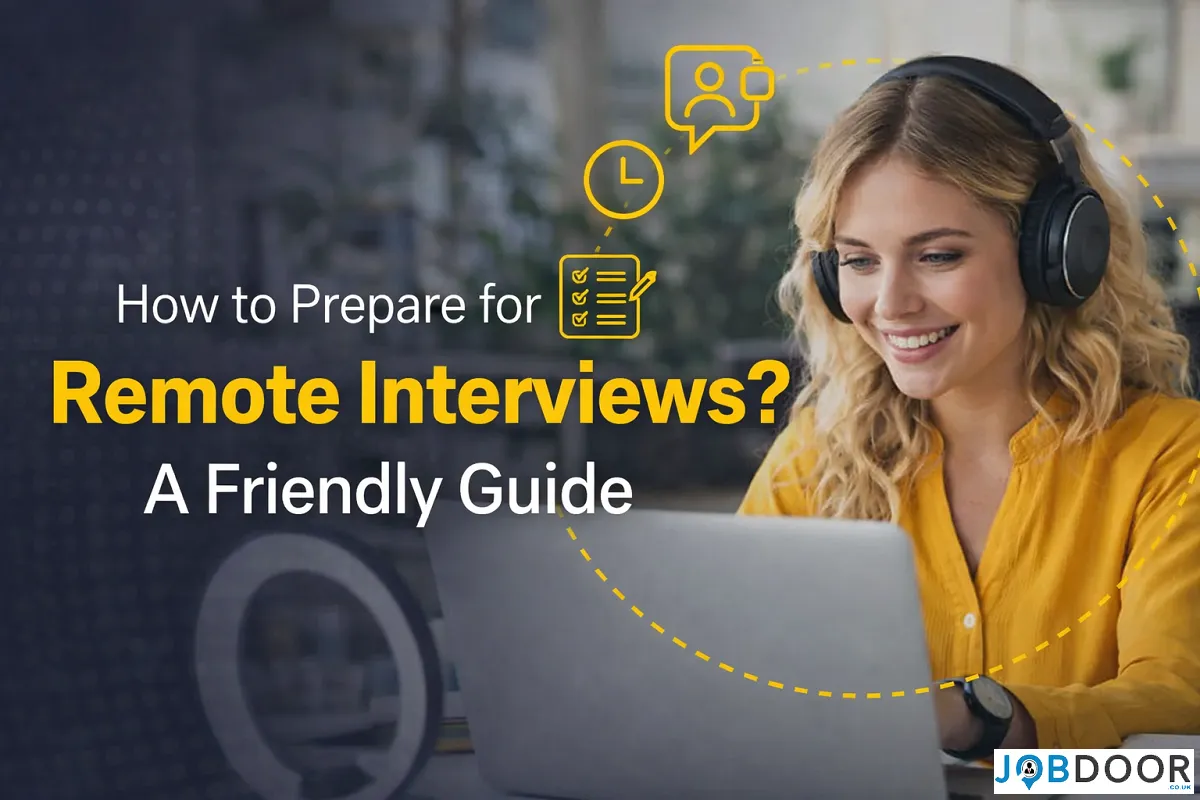
A remote interview requires the same preparation as any other job interview, but technology and your environment can introduce additional distractions. You need to be ready to discuss the role and your experience while also making sure the interviewer can hear and see you clearly.
You do not need a perfect home office or expensive equipment. The aim is to remove avoidable problems so the conversation can focus on your suitability for the role.
For broader guidance on interviews, read our Job Interview Preparation: Complete Guide.
What Is a Remote Interview?
A remote interview takes place without you and the interviewer being in the same physical location. It may be conducted through a live video call, telephone call, recorded video response or another online format.
Always read the employer’s instructions carefully because the preparation required can vary between formats.
1. Understand the Interview Format
Before preparing, confirm how the interview will take place and whether you need to complete anything in advance.
- Live video interview with one interviewer
- Panel video interview
- Telephone interview
- Recorded or asynchronous video interview
- Online interview combined with an assessment or task
Knowing the format helps you prepare the right technology and manage your time.
2. Test Your Technology in Advance
Check the device, camera, microphone, speakers or headphones you plan to use. Open the interview platform in advance if the employer has provided access instructions.
Check for updates, login requirements and permissions before the day of the interview rather than discovering a problem at the last minute.
Check the Basics
- Battery level or power connection
- Internet connection
- Camera
- Microphone
- Audio output
- Meeting link and login details
3. Have a Backup Plan for Technical Problems
Technology can fail even when you prepare carefully. Know how you will contact the interviewer or recruiter if you cannot join or the call drops.
If practical, have a backup option such as another device or connection. Keep the relevant contact details available without searching for them during a problem.
4. Choose the Best Practical Location
Choose the quietest, most reliable location available to you. A professional setting does not need to look expensive. The important factors are that you can communicate clearly and avoid unnecessary interruptions.
If you share your home, let other people know that you have an interview and ask for privacy where possible.
5. Check Your Background and Lighting
Keep the background reasonably tidy and free from distractions where possible. Your face should also be clearly visible.
Test the lighting from the camera’s point of view. A bright window behind you can make your face difficult to see, even if the room feels well lit.
6. Position the Camera and Screen Comfortably
Use a stable surface and position the camera so you can sit naturally. Avoid holding a phone throughout a long interview unless there is no practical alternative.
You do not need to follow rigid body-language rules. Focus on being comfortable, attentive and easy to hear.
7. Prepare for the Role, Not Just the Video Call
Technology preparation should not replace normal interview preparation. Review the job description, understand the main requirements and prepare examples that demonstrate relevant experience.
If you expect competency questions, our Competency-Based Interview Questions and Answers: Complete Guide explains how to prepare structured examples using the STAR method.
8. Keep Notes Nearby, but Do Not Read a Script
One advantage of a remote interview is that you may be able to keep brief notes nearby. Use them as prompts, not as a script. You can also review our guide to staying employable for broader preparation habits.
Useful notes may include:
- Key achievements and examples
- Main requirements from the job description
- A few facts about the employer
- Questions you want to ask
Reading complete answers can make you sound disconnected from the conversation and may prevent you from responding naturally to follow-up questions.
9. Communicate Clearly on Video
Video calls can involve slight delays. Allow the interviewer to finish speaking before responding and pause briefly if you are unsure whether they have completed the question.
Speak clearly and at a natural pace. If audio quality is poor, say so rather than pretending you understood a question.
10. Use the Camera Naturally
You do not need to stare at the camera throughout the interview. Look naturally between the interviewer on screen and the camera.
Trying too hard to follow artificial eye-contact rules can distract you from listening and answering clearly.
11. Prepare for Screen Sharing or Online Tasks
Some remote interviews involve sharing a screen, reviewing a document or completing a task online.
Before the interview:
- Close unrelated documents and browser tabs.
- Check that the file or information you need is easy to find.
- Understand how screen sharing works on the platform.
- Remove unnecessary notifications where possible.
Be careful not to share private or unrelated information accidentally.
12. Prepare Differently for Recorded Video Interviews
In a recorded or asynchronous interview, you may be shown a question and given time to record your answer without speaking to an interviewer live.
Read the instructions carefully. Pay attention to preparation time, recording limits and whether you can repeat an answer. Practise speaking clearly to the camera, but avoid memorising long scripts.
What to Do if Technology Fails During the Interview
Technical problems are usually easier to handle when you stay calm and communicate clearly.
If You Cannot Join
Check the meeting link, login details and internet connection. If you still cannot join, contact the interviewer or recruiter using the agreed contact method.
If the Call Drops
Try to rejoin. If that does not work quickly, use your backup plan and let the employer know what has happened.
If You Cannot Hear the Interviewer Clearly
Say so and ask them to repeat the question. It is better to clarify than to answer something you did not hear properly.
Common Remote Interview Mistakes to Avoid
- Testing technology only minutes before the interview.
- Ignoring login, update or permission requirements.
- Choosing a location with avoidable noise or interruptions.
- Reading answers directly from a script.
- Focusing so much on the camera that you stop listening properly.
- Leaving unrelated documents or notifications visible during screen sharing.
- Assuming technical problems mean the interview is automatically ruined.
- Treating the remote interview less professionally than an in-person interview.
A Simple Remote Interview Checklist
- Confirm the date, time and time zone.
- Understand the interview format.
- Test your device, camera and microphone.
- Check the interview platform and login details.
- Prepare a backup plan.
- Choose the best practical location.
- Check lighting and camera position.
- Review the job description.
- Prepare relevant examples.
- Keep brief notes and questions nearby.
What to Do After a Remote Interview
Review the next steps discussed during the interview and make a note of anything you want to improve while the experience is fresh. If you are still searching for roles, return to our UK job search guide for the next steps.
You can also note technical issues, difficult questions and examples that worked particularly well. The follow-up process is broadly similar to an in-person interview.
Frequently Asked Questions
Should I look at the camera or the interviewer on screen?
Look naturally between both. You do not need to maintain constant eye contact with the camera.
Can I use notes during a remote interview?
Brief notes can be useful as prompts. Avoid reading a full script because you still need to listen and respond to the actual conversation.
What should I do if my internet stops working?
Try to reconnect and use the backup option you prepared if available. Contact the employer promptly if you cannot rejoin.
What should I wear for a remote interview?
Choose clothing appropriate to the employer and role, just as you would for another professional interview.
Do I need a perfect background?
No. A reasonably tidy and non-distracting setting is usually enough. The interviewer should be able to focus on the conversation.
Final Thoughts
A good remote interview is not about creating a perfect video setup. It is about preparing properly, communicating clearly and reducing problems you can reasonably control.
Test your technology, understand the format, prepare relevant examples and have a plan for technical difficulties. For broader support, read our Job Interview Preparation: Complete Guide and What Not to Do in a Job Interview: 12 Mistakes to Avoid.


How to Start a Career in Sports and Leisure in the UK
A practical guide to sports and leisure careers in the UK, covering jobs, qualifications, apprenticeships, skills, experience, CVs and career...


How to Start a Career in Travel and Tourism in the UK
Travel and tourism is a broad career sector with opportunities in travel agencies, airports, airlines, visitor attractions, tours, hotels, heritage...


How to Start a Career in Property and Real Estate in the UK
Property and real estate is a broad career field covering residential property, commercial buildings, land, development, valuation, lettings, property management...


How to Start a Career in Hospitality in the UK
Thinking about hospitality as a career in the UK? Compare hotel, restaurant and guest service roles, entry routes, skills, apprenticeships...


How to Start a Career in Retail in the UK
Thinking about a retail career in the UK? Compare retail roles, entry routes, apprenticeships, skills, experience, CV tips and ways...


How to Start a Career in Science and Research in the UK
Planning a science or research career in the UK? Compare career paths, qualifications, apprenticeships, skills and practical ways to get...


How to Start a Career in Law in the UK
Thinking about a career in law? This guide explains UK legal career routes, qualifications, solicitor and barrister pathways, apprenticeships, skills,...


How to Start a Career in Education in the UK
Thinking about a career in education? Compare teaching and non-teaching roles, qualifications, apprenticeships, experience, skills and practical steps for getting...


How to Start a Career in Marketing in the UK
Marketing is a broad career field that combines communication, creativity, research, data and business thinking. It includes traditional marketing as...


How to Start a Career in Healthcare in the UK
Healthcare is one of the UK’s broadest career areas. It includes doctors and nurses, but also healthcare assistants, laboratory staff,...


How to Start a Career in Human Resources (HR) in the UK
Photo by Vitaly Gariev on Unsplash Human resources, usually called HR, is a people-focused career that combines communication, organisation, business...


How to Start a Career in Construction in the UK
Construction is one of the UK’s broadest career sectors. It includes hands-on trades such as bricklaying, carpentry and plumbing, as...


How to Start a Career in Energy and Utilities in the UK
Planning a career in energy and utilities in the UK? See job options, apprenticeships, qualifications, skills and practical steps to...


How to Start a Career in Media and Communications in the UK
Planning a media and communications career in the UK? Compare job options, entry routes, apprenticeships, skills, experience and practical steps...


How to Start a Career in Environmental and Sustainability Jobs in the UK
Environmental and sustainability careers are becoming an important part of many UK workplaces. Jobs in this area can involve protecting...


How to Start a Career in Cybersecurity in the UK
Thinking about a cybersecurity career in the UK? Here is a practical guide to skills, qualifications, entry-level roles, applications and...


How to Start a Career in Engineering in the UK
Thinking about engineering as a career in the UK? Here is a practical guide to engineering fields, qualifications, apprenticeships, skills,...


How to Start a Career in Government and Public Services in the UK
Thinking about a career in government or public services? This guide covers job options, entry routes, apprenticeships, skills, applications and...


Rolls-Royce Internship UK: Eligibility, Opportunities & How to Apply
Find Rolls-Royce internships in the UK with practical guidance on eligibility, opportunities, applications, assessments, skills and preparation.


How to Start a Career in Transport and Logistics in the UK
Planning a career in transport and logistics in the UK? See entry-level roles, apprenticeships, qualifications, skills and practical steps to...
-
 Career3 years ago
Flexible Jobs for Older Adults in the UK: 7 Career Options
-
 How-to8 months ago
How to Use Google Gemini for Freelance Work and Career Skills
-
 Jobs8 months ago
Second Jobs in the UK: 15 Practical Ways to Earn Extra Income
-

 Career2 years ago
Free Job Posting Sites in the UK: Options for Employers
-
 How-to8 months ago
How to Build Passive Income: 20 Income-Producing Assets for Long-Term Financial Growth
-

 AI & Tools8 months ago
How to Use Google Gemini for Productivity at Work
-

 Job Description3 years ago
Support Worker Job Description: Duties, Skills, Salary and Career Guide UK
-
 AI & Tools8 months ago
ChatGPT vs Microsoft Copilot: Which AI Is Best for You?